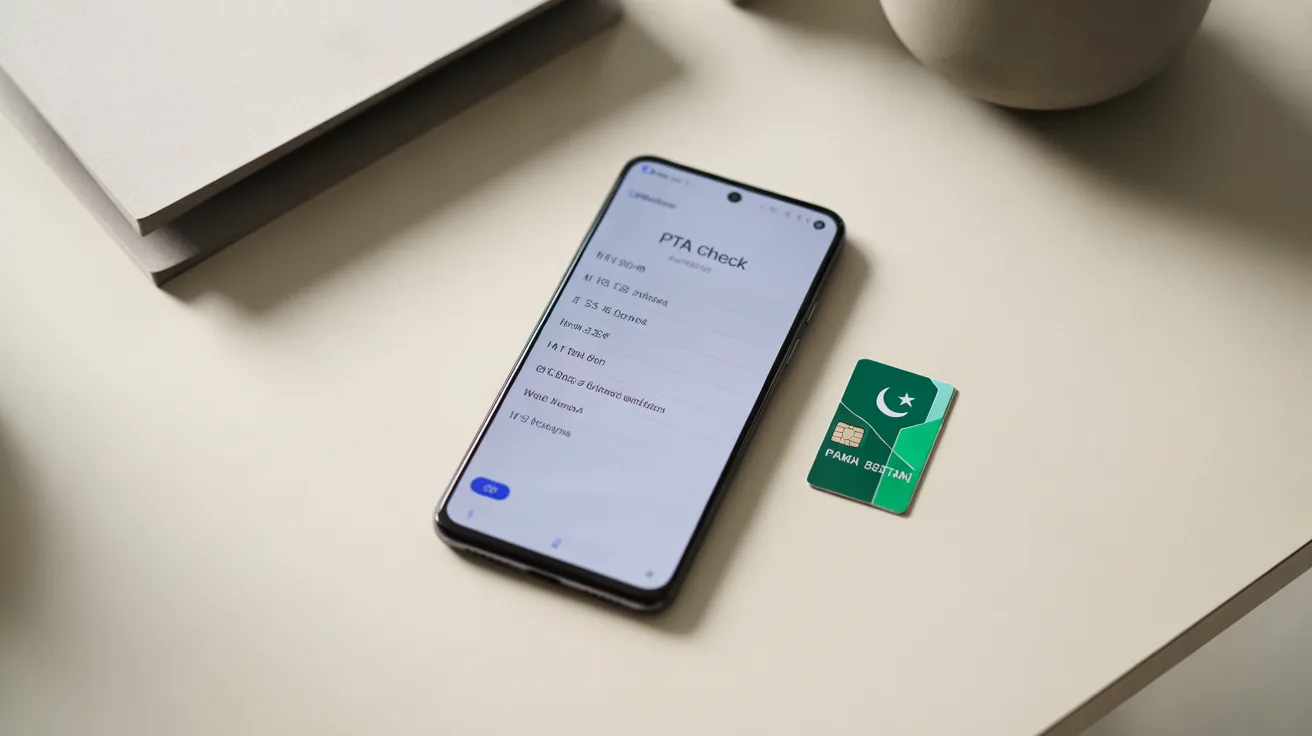
How to Check PTA Approved
How to Check PTA Approved Mobile Phones in Pakistan: Complete Guide
Understanding whether your mobile phone is PTA approved is crucial for anyone using a smartphone in Pakistan. The Pakistan Telecommunication Authority (PTA) has implemented strict regulations requiring all mobile devices to be registered and approved for use on Pakistani networks.
This comprehensive guide explains everything you need to know about checking PTA approval status, why it matters, and how to ensure your device remains compliant.
What Does PTA Approved Mean?
PTA approval refers to the official registration and authorization of a mobile device by Pakistan’s telecommunications regulatory authority.
When a phone is PTA approved, it means the device has been officially registered in the Device Identification Registration and Blocking System (DIRBS) database and is legally permitted to operate on Pakistani mobile networks.
The PTA approval system was introduced to combat mobile phone theft, reduce the influx of smuggled devices, and protect consumers from counterfeit smartphones.
Any phone brought into Pakistan from abroad or purchased locally must comply with PTA regulations to function properly on local networks like Jazz, Telenor, Zong, and Ufone.
Why Checking PTA Approval Status Is Important
Verifying your phone’s PTA approval status is essential for several critical reasons that directly impact your ability to use mobile services in Pakistan.
Network Functionality
Non-approved phones face severe restrictions on Pakistani networks. Initially, these devices may work with limited functionality, but eventually, all network services become completely blocked. You won’t be able to make calls, send messages, or use mobile data if your device isn’t properly registered.
Legal Compliance
Using an unregistered phone in Pakistan violates telecommunications regulations. The government has implemented strict enforcement mechanisms, and operating a non-compliant device can lead to service suspension and potential penalties.
Investment Protection
Smartphones represent a significant financial investment. Ensuring your device is PTA approved protects this investment by guaranteeing continued functionality.
Discovering your phone is non-compliant after purchase can result in substantial financial loss, especially if registration requires paying additional duties.
Avoiding Service Disruption
PTA periodically blocks non-compliant devices in batches. Checking your approval status proactively prevents unexpected service interruptions that could affect your business communications, personal connections, and daily activities.
Step-by-Step Methods to Check PTA Approval
Pakistan Telecommunication Authority provides multiple convenient methods for users to verify their device’s approval status. Each method is designed to be user-friendly and accessible.
Method 1: SMS Verification
The simplest way to check PTA approval is through SMS verification, which works from any mobile network in Pakistan.
Detailed Process:
- Open your phone’s messaging application
- Create a new text message
- Type your device’s 15-digit IMEI number in the message body
- Send this message to 8484
- Wait for an automated response from PTA
The reply message will clearly indicate whether your device is approved, blocked, or requires registration. This method is instant, free, and works 24/7, making it the most popular verification option among Pakistani mobile users.
Method 2: Online DIRBS Portal
The official DIRBS website offers a comprehensive web-based verification system with detailed information about your device status.
Complete Steps:
- Open your web browser and visit the official DIRBS website at dirbs.pta.gov.pk
- Navigate to the device verification section on the homepage
- Locate the IMEI input field
- Enter your 15-digit IMEI number carefully
- Complete the security verification (CAPTCHA if present)
- Click the verify or check status button
- Review the detailed results displayed on screen
The web portal provides more comprehensive information than SMS, including your device’s compliance status, registration date, and any pending actions required. The interface is available in both English and Urdu for user convenience.
Method 3: PTA Mobile Application
The Pakistan Telecommunication Authority has developed a dedicated mobile application that offers convenient device verification along with other useful features.
Using the App:
- Download the official PTA app from Google Play Store or Apple App Store
- Install and launch the application on your smartphone
- Navigate to the device verification section in the main menu
- The app may automatically detect your current device’s IMEI
- Alternatively, manually enter the IMEI number you want to check
- Tap the check or verify button
- View comprehensive results including compliance status and registration history
The mobile app offers the advantage of saving your verification history and sending notifications about important PTA updates or deadlines affecting your device.
Method 4: USSD Code Verification
Some Pakistani mobile networks provide USSD-based verification services for quick status checks.
Process:
- Open your phone’s dialer application
- Dial the USSD code (typically *#06# to view your IMEI first)
- Note your 15-digit IMEI number
- Use your network’s specific USSD code for PTA verification if available
- Follow on-screen prompts to complete verification
This method varies by network operator, so contact your service provider for their specific USSD verification codes if available.
How to Find Your Phone’s IMEI Number
Before checking PTA approval, you need your device’s International Mobile Equipment Identity (IMEI) number, which serves as your phone’s unique identifier.
Method 1: Dial Code
The universal method works on virtually all smartphones:
- Open your phone dialer
- Type *#06#
- Your IMEI number appears instantly on screen
- Most modern phones have two IMEI numbers (dual SIM devices)
- Note down the complete 15-digit number
Method 2: Phone Settings
For Android devices:
- Go to Settings
- Select About Phone
- Tap on Status or IMEI Information
- View and copy your IMEI number
For iPhone devices:
- Open Settings
- Tap General
- Select About
- Scroll down to find IMEI or IMEI2
Method 3: Physical Device
Most phones have the IMEI printed on:
- The original box your phone came in
- The SIM card tray
- Under the battery (for older removable battery phones)
- On the back of the device
Method 4: Google/Apple Account
For Android phones linked to Google accounts, you can find IMEI information by visiting google.com/android/find from any computer. Similarly, Apple users can check their registered devices through their Apple ID account settings.
Understanding PTA Approval Status Results
When you check your device, you’ll receive one of several possible status messages that indicate your phone’s compliance level.
Compliant Status
A compliant or approved status means your device is fully registered and authorized for use on Pakistani networks. You can use all network services without restrictions. This status applies to locally purchased phones and properly registered imported devices.
Non-Compliant Status
Non-compliant means your device isn’t registered in the DIRBS system. If you see this status, your phone will eventually face network restrictions if not registered promptly. Imported phones typically show this status initially.
Blocked Status
A blocked status indicates PTA has restricted your device from accessing Pakistani mobile networks. This happens when registration deadlines pass or if the device is reported stolen. Blocked phones require immediate attention and proper registration or reporting procedures.
Provisional Approval
Some newly imported phones receive provisional approval for a limited period (typically 60 days). This grace period allows travelers and new purchasers to register their devices properly before facing restrictions.
What to Do If Your Phone Is Not PTA Approved
Discovering your phone isn’t approved shouldn’t cause panic. Several solutions exist depending on your specific situation and how you acquired the device.
Register Your Imported Device
If you brought your phone from abroad legally, you can register it through the PTA Device Registration System:
- Visit the PTA device registration portal
- Create an account using your CNIC and passport details
- Enter your device’s IMEI number
- Upload required documents (passport copy, flight details, phone invoice)
- Pay applicable customs duties online
- Submit your registration application
- Wait for approval confirmation (typically 2-3 days)
The duties vary based on phone value but typically range from a few thousand to tens of thousands of rupees depending on the device’s declared worth.
Verify Purchase Source
If you purchased the phone locally and it shows non-compliant status, contact the seller immediately. Reputable retailers should provide PTA-compliant devices. Document your purchase with receipts and warranty cards when requesting resolution.
Report Stolen Devices
If you purchased a phone that turns out to be reported stolen (showing blocked status), report this to PTA and local authorities. You may need to provide purchase documentation and cooperate with investigations. Unfortunately, stolen devices cannot be unblocked, highlighting the importance of buying from trusted sources.
Seek Professional Assistance
For complex situations, consider consulting with:
- Authorized mobile phone dealers familiar with PTA processes
- PTA customer service centers
- Legal advisors specializing in telecommunications regulations
PTA Approval for Different Scenarios
Different situations require specific approaches to ensure PTA compliance.
Locally Purchased Phones
Phones bought from authorized dealers in Pakistan should automatically be PTA approved. Always verify this before completing your purchase by checking the IMEI on the spot. Request written confirmation from the seller that the device is compliant.
Phones Brought from Abroad
Pakistani citizens and residents can bring one phone from abroad per passport within a calendar year. These devices must be registered within 60 days of entry to Pakistan. Keep all travel documents, receipts, and purchase invoices for the registration process.
Gift Phones from Overseas
Phones received as gifts from abroad face the same registration requirements. The person bringing the device into Pakistan (or the recipient if received through courier) must complete registration and pay applicable duties.
Used or Second-Hand Phones
When purchasing used phones in Pakistan, verify PTA approval status before payment. The previous owner’s registration typically transfers with the device, but always confirm to avoid complications.
Common Issues and Troubleshooting
Several issues can arise during the PTA verification and registration process.
IMEI Not Recognized
If the system doesn’t recognize your IMEI:
- Verify you’ve entered all 15 digits correctly
- Check for confusion between similar characters (0 vs O, 1 vs I)
- Try alternative verification methods
- Contact your network provider for assistance
- Ensure your device isn’t counterfeit
Incorrect Status Display
Sometimes verification systems show outdated information:
- Wait 24-48 hours after registration before rechecking
- Clear browser cache when using web portal
- Try different verification methods
- Contact PTA helpline for manual status update
Registration Payment Issues
Payment problems during registration:
- Use supported payment methods (debit/credit cards from Pakistani banks)
- Ensure sufficient balance for duties and processing fees
- Keep transaction references for all payments
- Contact PTA if payment deducts but registration doesn’t complete
Network Still Blocked After Approval
If your device remains blocked despite approved status:
- Restart your phone completely
- Remove and reinsert SIM cards
- Wait 24 hours for network systems to update
- Contact your mobile network operator
- Verify with PTA that approval processed successfully
Tips for Maintaining PTA Compliance
Staying compliant requires awareness and proactive measures.
Regular Verification
Periodically check your device status, especially if you notice unusual network behavior. This helps catch issues early before complete service blocking occurs.
Keep Registration Documents
Maintain copies of all registration confirmations, payment receipts, and correspondence with PTA. These documents prove compliance if disputes arise.
Purchase from Authorized Sources
Always buy phones from reputable, authorized dealers who guarantee PTA compliance. The slightly higher cost ensures peace of mind and legal operation.
Understand PTA Updates
PTA occasionally updates policies and deadlines. Follow official PTA communications through their website and social media channels to stay informed about changes affecting your device.
Multiple Device Management
If you use multiple phones or tablets, maintain a record of each device’s IMEI and compliance status. This organization prevents confusion and helps manage registration renewals if required.
Conclusion
Checking PTA approval status is a simple but essential process for all mobile phone users in Pakistan. Whether you’re using a locally purchased device or brought your phone from abroad, verification ensures uninterrupted network services and legal compliance. The multiple verification methods—SMS, online portal, mobile app, and USSD codes—provide convenient options for every user.
Understanding the importance of PTA approval, knowing how to check your device status, and taking appropriate action when needed protects your investment and prevents service disruptions. As Pakistan continues enforcing telecommunications regulations through the DIRBS system, maintaining compliant devices becomes increasingly important for seamless mobile connectivity.
By following this comprehensive guide, you can easily verify your phone’s approval status, understand what different results mean, and take necessary steps to register non-compliant devices. Remember that prevention is better than cure—always verify PTA approval when purchasing any mobile device, whether new or used, to ensure worry-free usage on Pakistani mobile networks.